
Menu bar
Keep your favorite apps right there in the macOS menu bar.

Appz is a macOS launcher built to keep things simple. Open your favorite apps right from the menu bar or your custom Launchpad.
Appz is available on the App Store

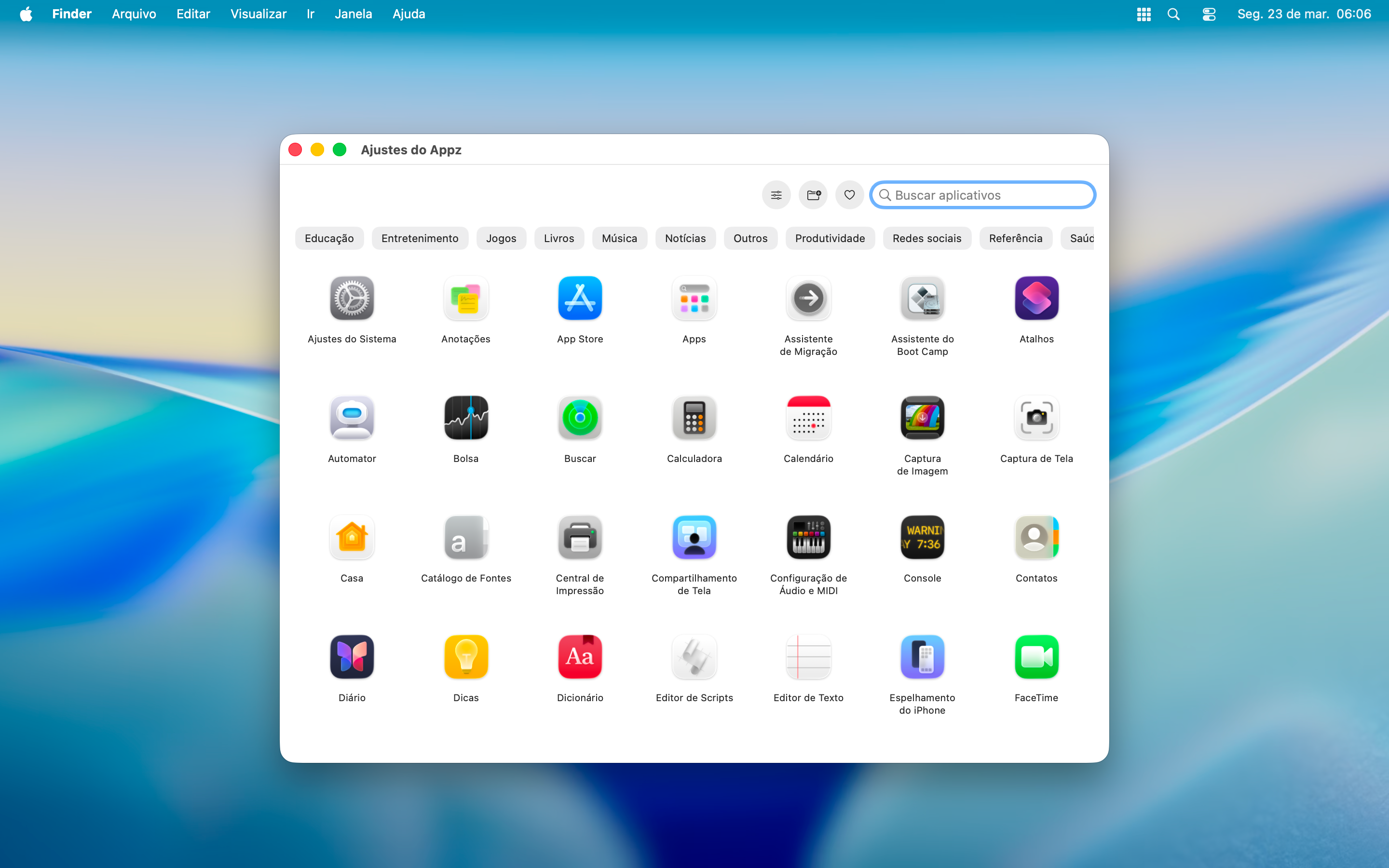
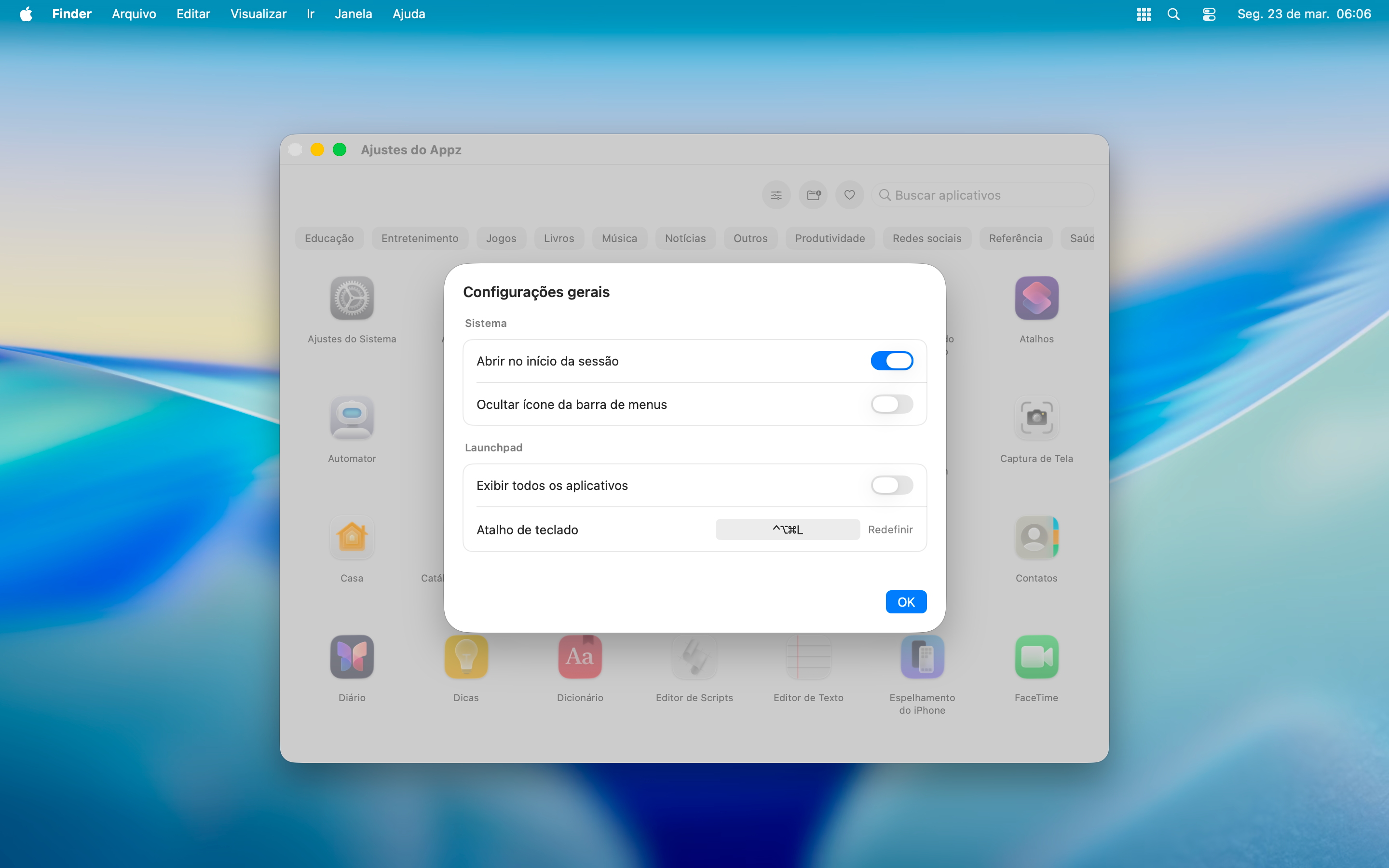
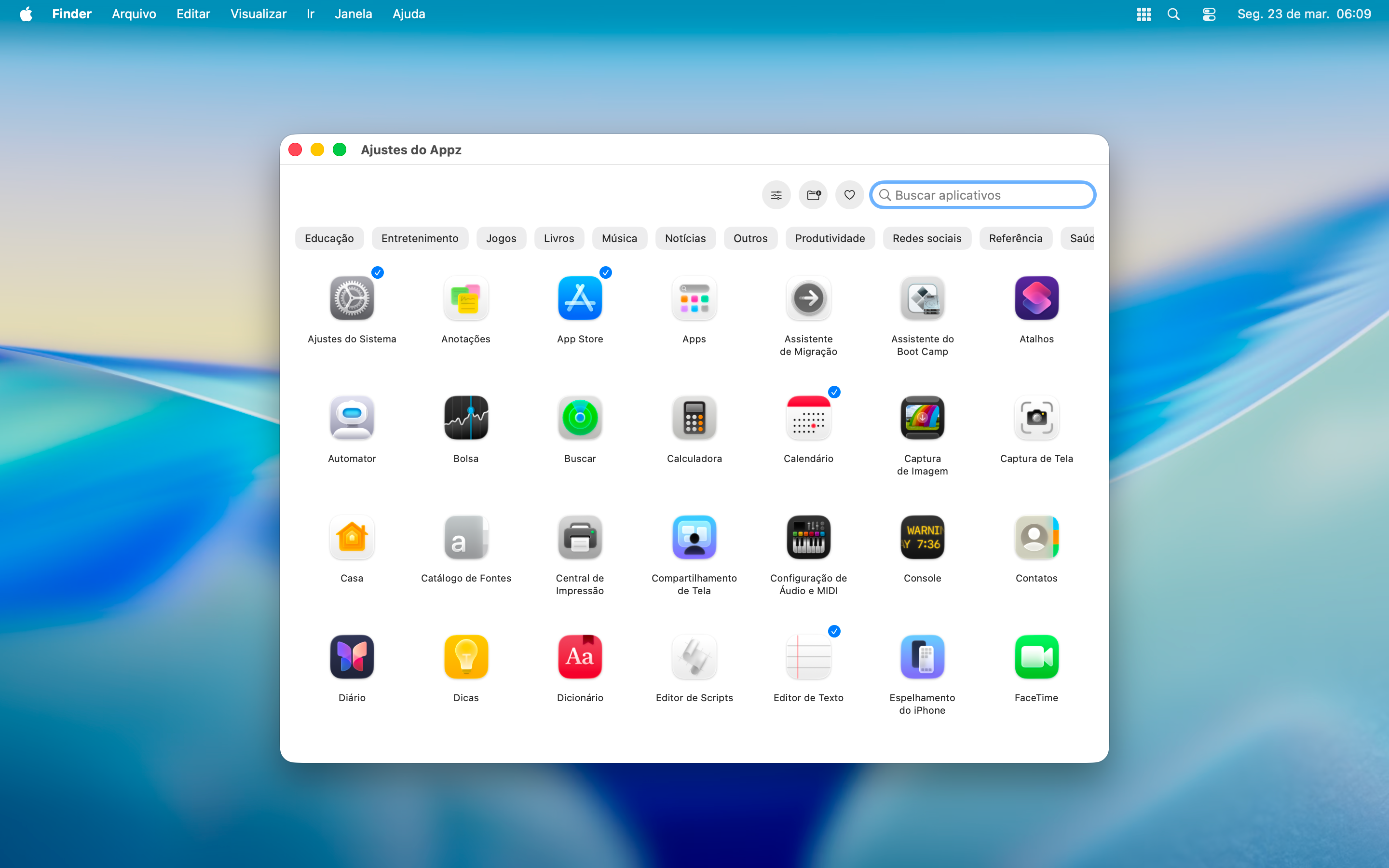
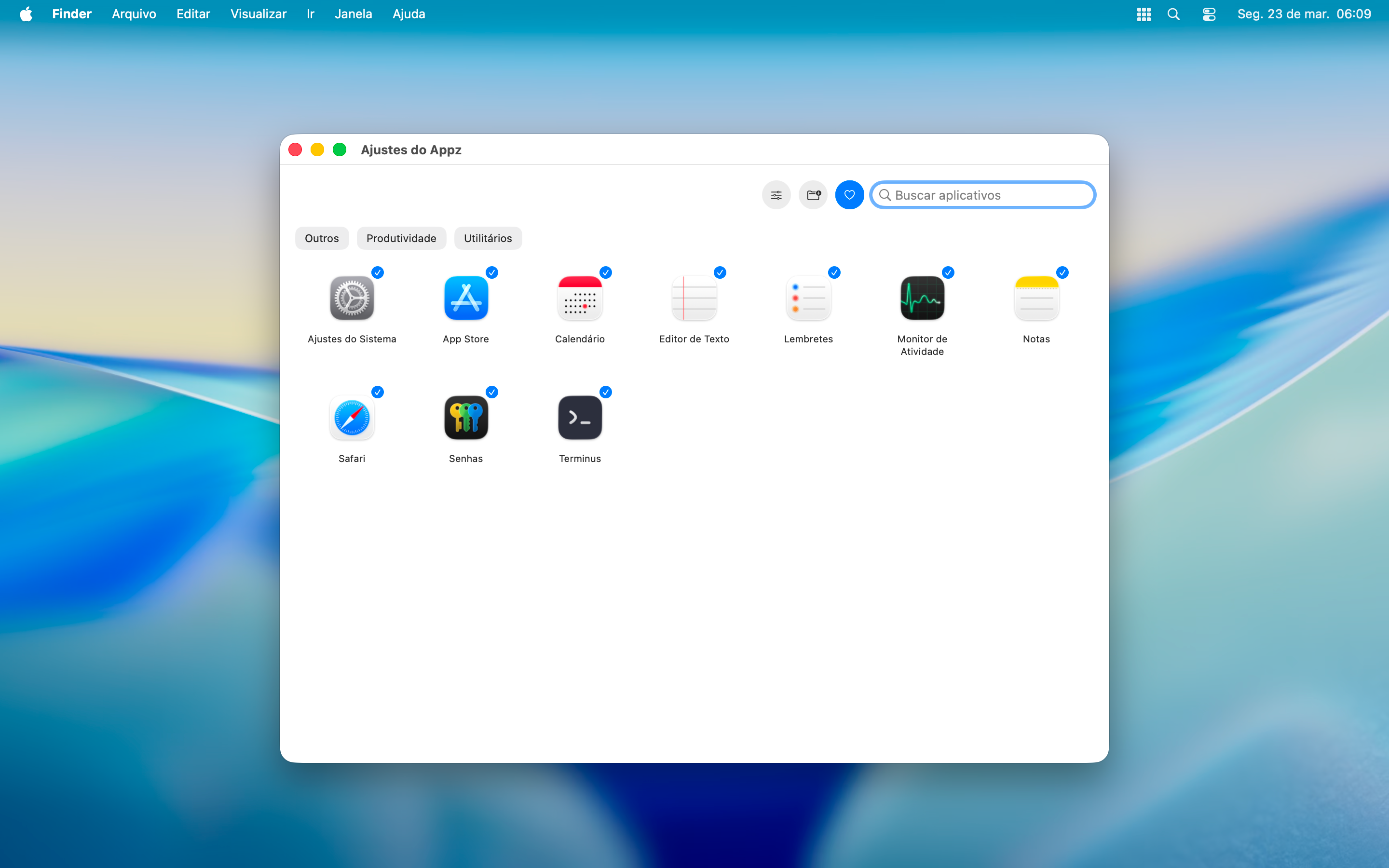
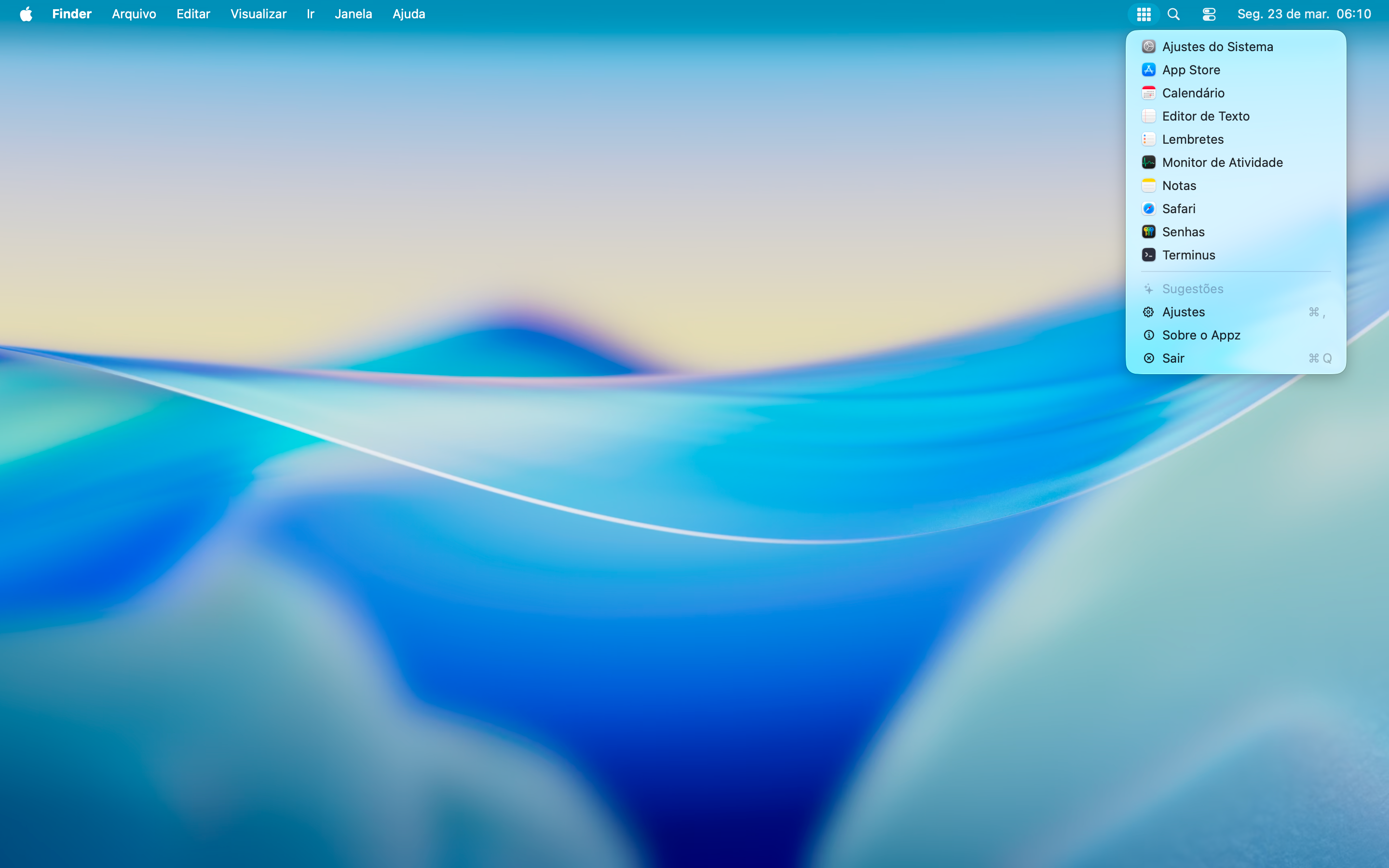
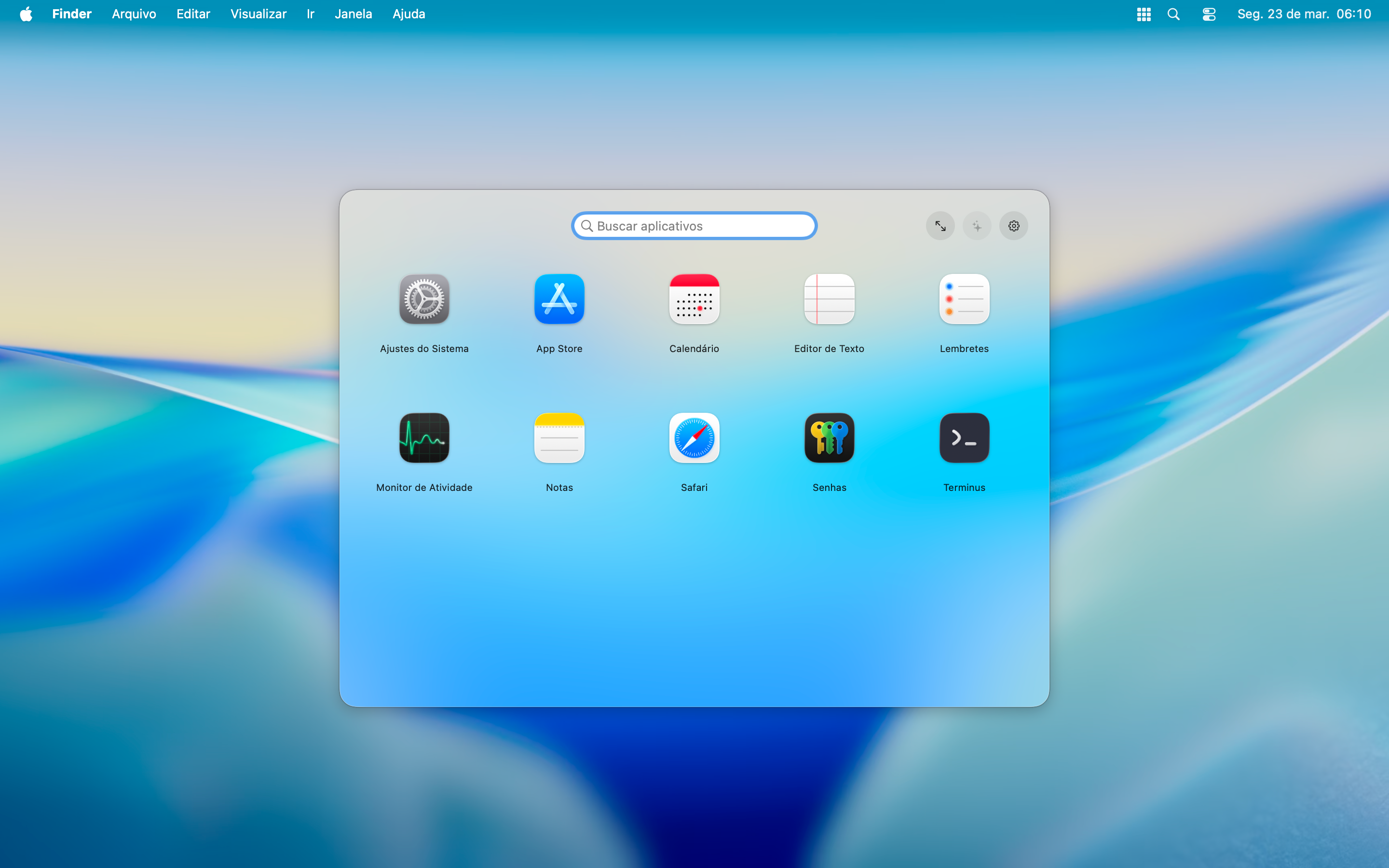
Keep your favorite apps right there in the macOS menu bar.
Open Appz from anywhere using a global keyboard shortcut.
Create app groups and organize your Launchpad your way.
Create new groups or drop apps into groups you already have.
Appz learns from your usage and suggests apps you use most often.
Prefer a cleaner look? You can hide the menu bar icon anytime.
Appz does not collect, store, or send any personal data or usage information.
Appz does not require an account, sign-up, or login. Your use of the app is not tied to any personal identity.
Appz does not use tracking tools (such as third-party trackers, analytics SDKs, or telemetry). It also does not use cookies or similar technologies to monitor behavior.
Everything needed for Appz to work (app indexing, search, and launch actions) runs locally on your device. No data is sent to external servers or cloud services.
Appz does not integrate third-party services.
If you have any questions, feel free to use the email listed on this page.